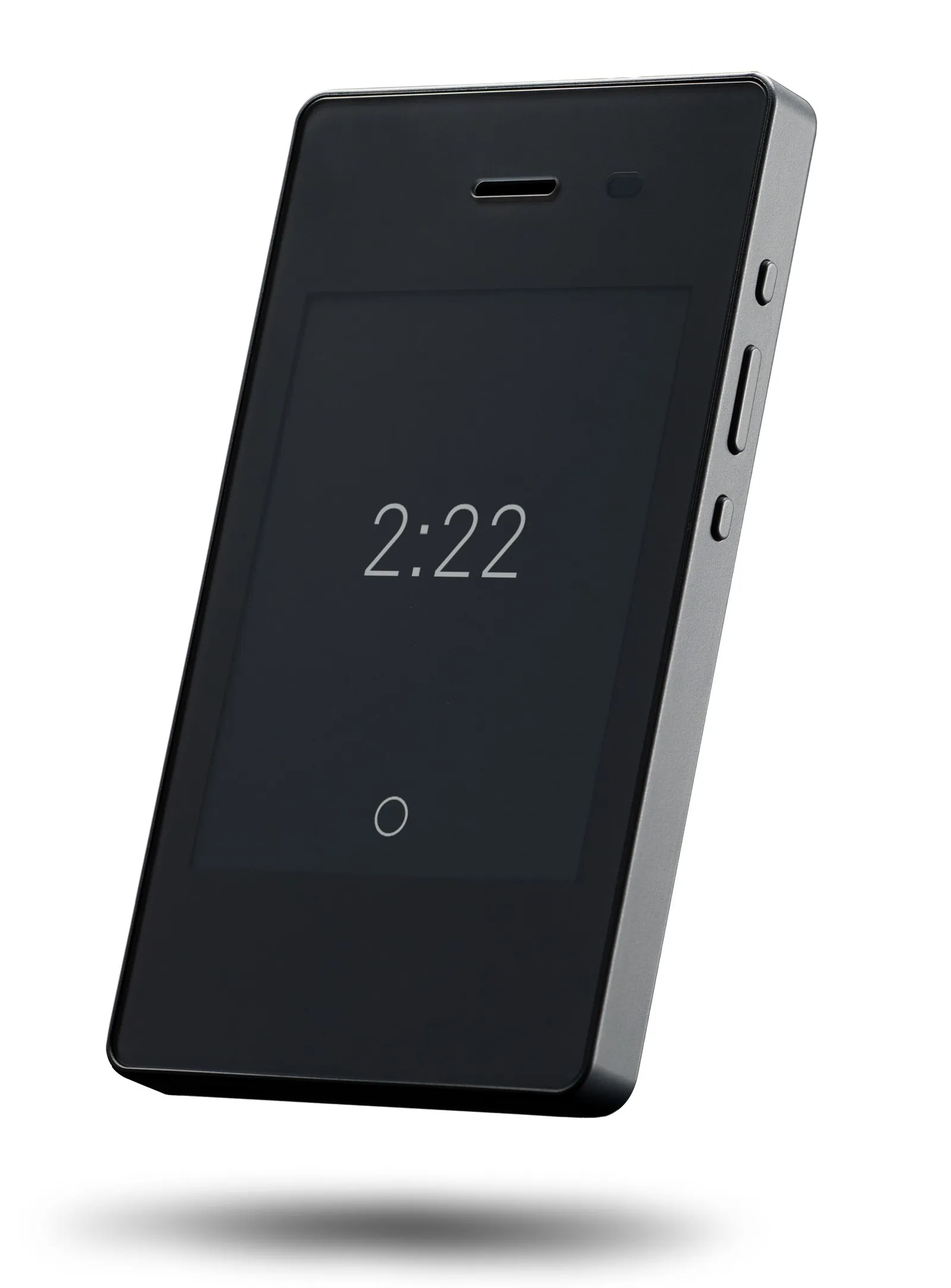
What the Light Phone II is
The Light Phone II is a 4G LTE phone with an e-ink touchscreen, designed by Light as a deliberate alternative to the smartphone. According to manufacturer documentation, the phone runs a custom operating system (Light OS) and is built around the philosophy of "tools, not feeds." Available tools include calls, texts, an alarm, a hotspot, directions (via mapping integration), music playback, podcasts, a rideshare integration, and a calculator. There is no web browser, no social media, no email, and no app store. What is excluded is a design decision, not an oversight.
Who should switch to it
The Light Phone II is best suited for adults who have decided, rather than are still deciding, that they want a phone without a browser or social media. User reports suggest it works well as a primary phone for people in roles that do not require constant email access, and as a secondary device carried during working hours while a smartphone stays at home or in a locker. The e-ink screen is particularly noted for being easier to use outdoors and in low-distraction environments.
Who should skip it
Anyone who needs mobile email, a full browser for reference or work tasks, or access to banking and two-factor authentication apps will find the Light Phone II limiting. It is also not the right device for users on a tight budget: around $300 for a phone with fewer capabilities than a basic Android is a deliberate luxury purchase. The Punkt MP02 is an alternative for those who specifically need Signal encryption; Mudita Pure is an alternative for users seeking maximum minimalism (noting network compatibility caveats).
The bottom line
The Light Phone II is the right pick for people committed to leaving the smartphone behind. It is the most practical of the current minimal phones — enough tools to cover real daily needs, a reliable e-ink screen, and a mature platform with several years of real-world use. The price is high for what is technically a less capable device, but that premium reflects the design intent. For anyone still on the fence about switching, the Light Phone II is consistently recommended in user communities as the most liveable option.