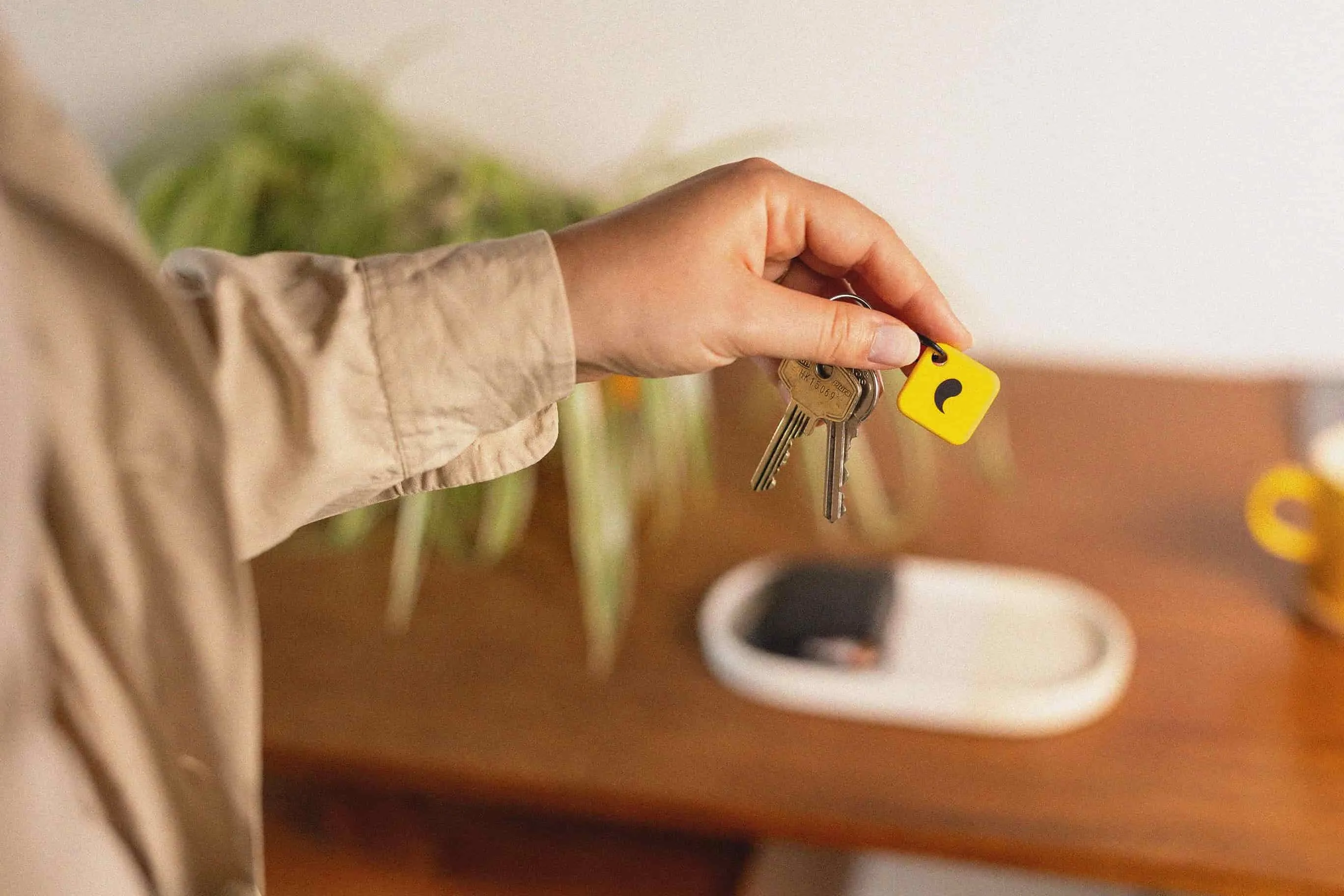
What Unpluq is
Unpluq is a two-part system: a passive NFC tag (no battery, roughly the size of a large coin) worn on a keychain or lanyard, and a companion app installed on your phone. According to the manufacturer, you configure which apps require a tap to open. When you attempt to open a blocked app, Unpluq's app prompts you to tap the physical tag first. The tag stays on your person, which means the friction is an intentional pause rather than a physical distance barrier.
iPhone vs. Android
Unpluq is primarily designed for Android. On Android, the companion app can intercept app launches and require the NFC tap before proceeding. On iPhone, iOS system restrictions limit what third-party apps can intercept, making Unpluq significantly less effective. Manufacturer documentation and user reports both indicate the Android experience is the intended one. iPhone users wanting a comparable friction tool should consider Brick (which uses Screen Time) or a physical container like the Kitchen Safe.
How strong is the friction?
Unpluq's mechanism is intentional pause, not a hard lock. The tag is almost always nearby — it's on your keys — so the barrier is the deliberate physical act of tapping, not distance or timer enforcement. User feedback describes it as effective for mindless scrolling habits (the unconscious reach for Instagram) but less effective for deliberate app cravings where motivation is high. If the goal is reducing unconscious phone-reaching, the friction model has genuine merit at a very low cost. If the goal is making an app truly inaccessible, this is not the right tool.
Who should use Unpluq
Unpluq suits Android users who are actively trying to reduce habitual phone use and want a low-friction, low-commitment way to add intentionality to app-opening. The ~$29 price makes it an accessible experiment. It's also worth considering for people who have already tried pure app-time limits and found them easy to dismiss — the physical tap creates a moment of pause that a notification-dismiss does not.
Who should skip it
iPhone users, anyone who needs a hard lock rather than friction, and anyone who knows they'll tap the tag without pausing. If the goal is genuine inaccessibility for a set period, a timer container like the Kitchen Safe is a more reliable choice. If you want physical-distance enforcement, Brick's fixed-location model is stronger.
The bottom line
Unpluq suits Android users at the lighter end of the phone-reduction spectrum best. It's the lowest-cost, lowest-commitment entry point in this category — a passive NFC chip that costs less than most phone cases. The limitation is honest: this is friction, not a lock. For many people at the habit-building stage, that's exactly what's needed.